


Open the Chrome Web Store.
Open the Chrome Web Store listing above. Edge and Opera add-ons are coming soon.
Turn any webpage into a structured task using natural language, flexible schedules and browser reminders.
Open the Chrome Web Store listing above. Edge and Opera add-ons are coming soon.
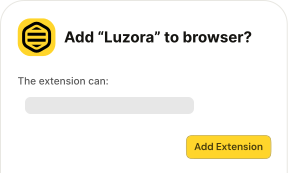
Review the browser prompt, then select Add extension to install Luzora.
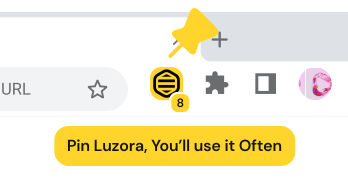
Keep it in your toolbar, then create an account or sign in to start saving pages.
Pin Luzora to your toolbar for one-click access.
Pinning Luzora makes saving the current website and checking today's task faster.
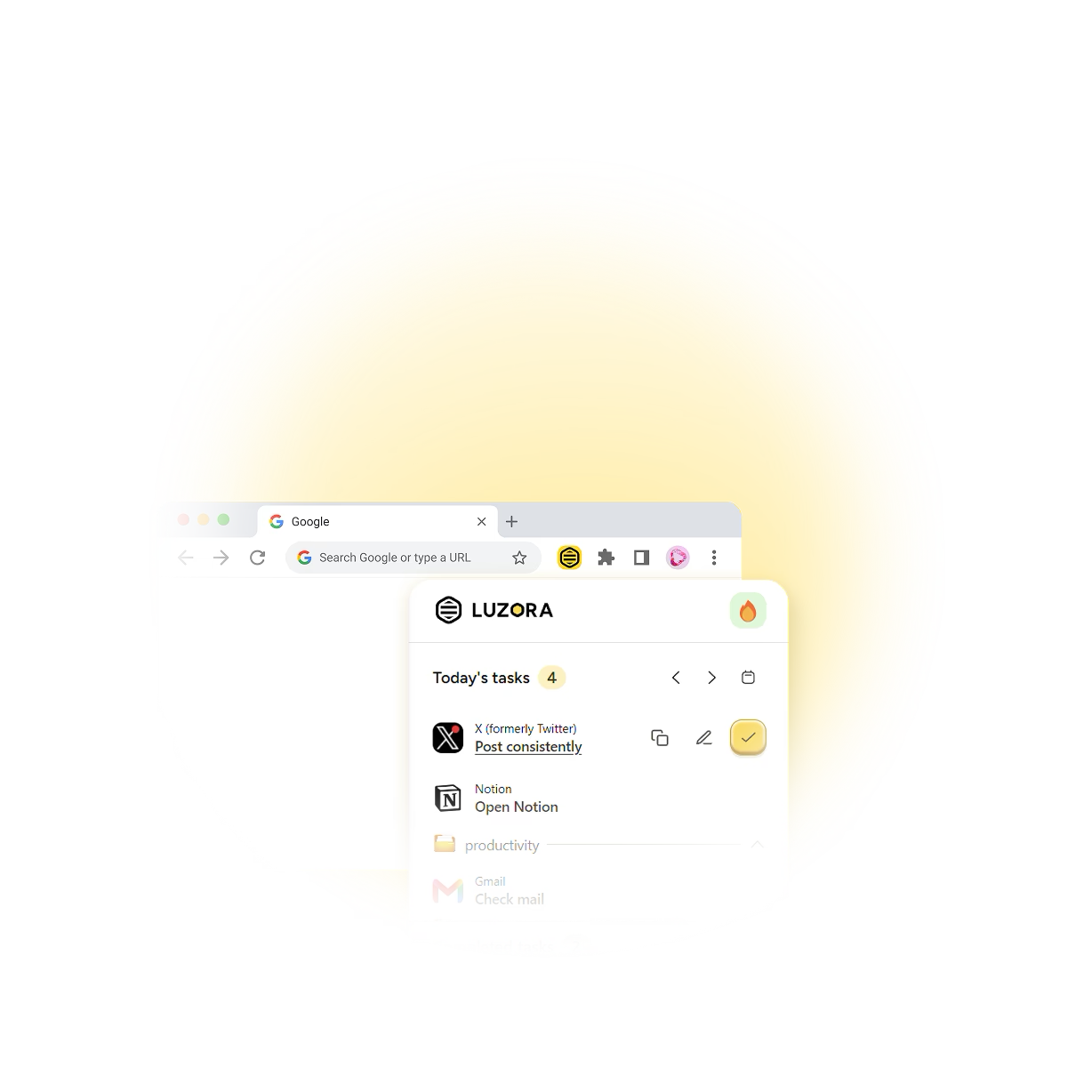
Reads safe metadata from the active page only when Luzora or Bolt is activated.
Delivers scheduled task reminders and daily summaries.
Keeps your settings, tasks, and unfinished drafts locally.
Opens saved task links in new tabs when it's time to act.
Luzora accesses the current page only when you invoke it. It never reads passwords, payment information, private form values or your browsing history.
Supported operating systems
Supported browsers


