You open your laptop to finish one piece of work. An email arrives. You check it, notice a link you meant to read, and open another tab. Twenty minutes later, you have more pages open but no progress on the work you came to do.
That pattern is familiar in a Reddit discussion about context switching: the writer described moving from an email notification to a new tab, then losing track of the original task. In another discussion, someone said that even the tabs they kept open so they would not forget them became visual distractions.
There is a reason this feels tiring. The American Psychological Association's overview of task-switching research explains that repeatedly changing tasks carries a mental cost, especially when the work is complex. You cannot remove every interruption from a normal day. You can make it easier to stay with one task and easier to return when you drift.
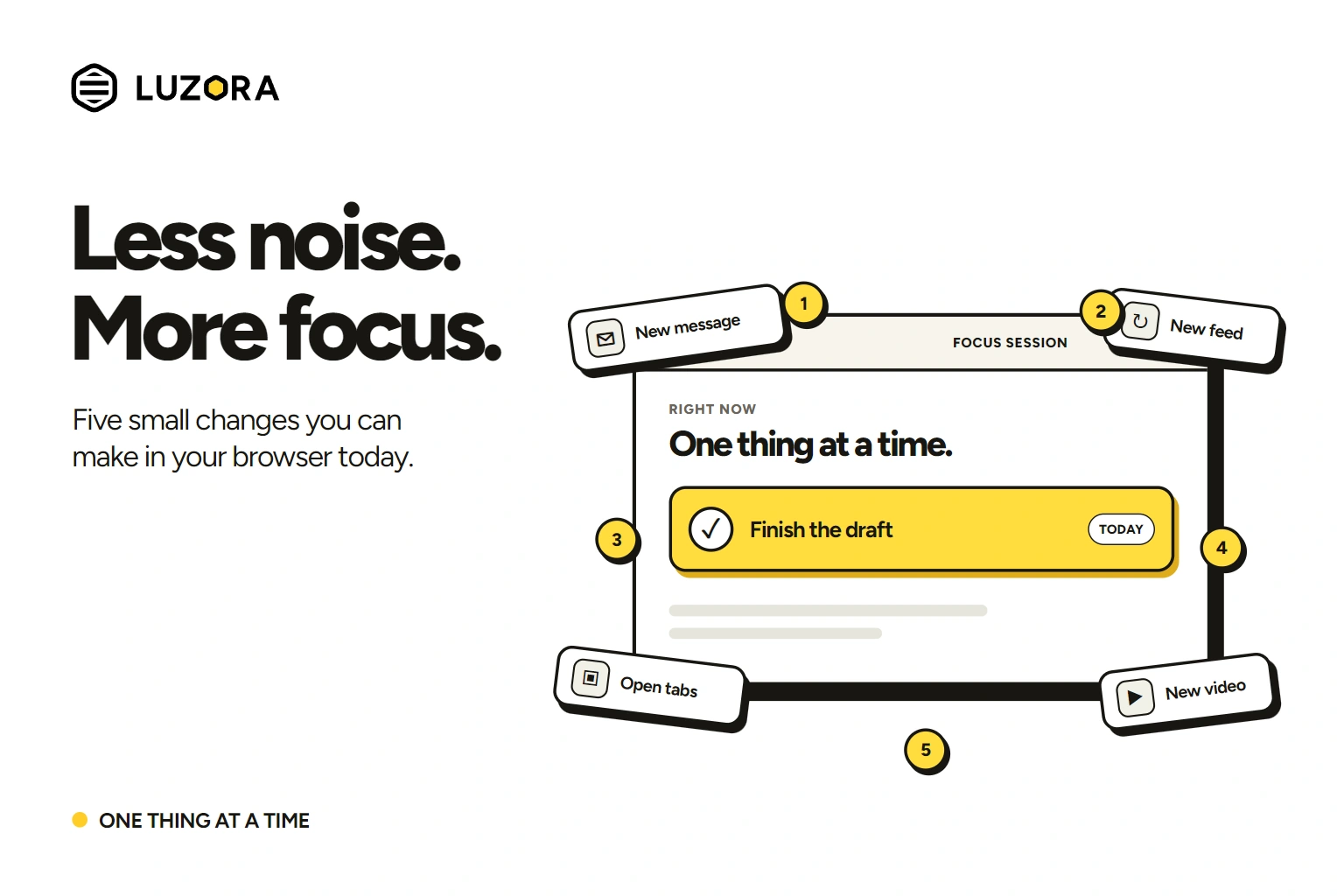
Try these five changes today.
1. Decide what this work session is for
Before opening another tab, write down one result you want from the next work session. Make it small enough to recognize when you have done it.
“Work on my business” is too broad. “Send the draft proposal to Amara” is clearer. If that still feels large, write the first visible move: “Open the proposal and fix the pricing section.”
Put that sentence where you can see it. Keep the pages required for that task open. When you catch yourself switching elsewhere, ask whether the new page helps you finish that sentence. If it does not, leave it for later.
Do it now: Write one outcome and one first action. Give that action 25 minutes on your calendar. The 25 minutes are a starting point, not a rule; use a shorter block if that helps you begin.
2. Give messages a time to be checked
An alert can interrupt you even if you decide not to reply. And turning every notification off indefinitely may leave you worried about missing something important.
Try a more workable middle ground: silence non-urgent alerts during one focus block, keep the people or channels that truly need an immediate response available, and choose when you will check the rest. For example, finish your 25-minute block, then check messages for five minutes.
In a randomized field experiment with 237 people, batching smartphone notifications into predictable deliveries was associated with better self-reported attention, productivity, mood and sense of control than receiving them continuously. Completely switching alerts off caused more anxiety and fear of missing out for some participants. The lesson is to choose your interruptions deliberately, not to pretend you never need messages.
Do it now: Turn on your device's focus or Do Not Disturb mode for one work block. Set the exceptions you genuinely need, and decide when you will check your inbox.
3. Stop asking open tabs to remember for you
Some tabs stay open because you need them now. Others stay open because closing them feels like losing a promise to yourself: apply for that job, read that article, compare those products, revisit that idea.
People describe this directly in a tab-overload discussion. Several were afraid they would forget why they had opened a page once it disappeared from view. A page address alone does not preserve the intention behind it.
In a Hacker News discussion about tab overload, a reader described moving tabs that represented unfinished work into a task manager. It is a small distinction with a large practical effect: a tab is a place, while a task says what you intend to do there.
For each page you do not need in the current session, record three things: the link, the action, and when you want to return. “Read this article” is better than an unexplained bookmark. “Read this article on Friday before planning the newsletter” is better still. Then close the tab you no longer need in front of you.
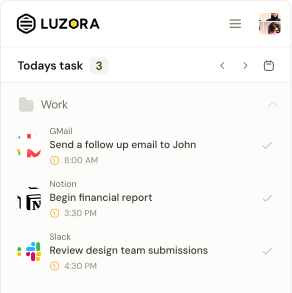
This is one place Luzora can help. From a page in your browser, make a task that keeps the page attached to a specific action and schedule. A recurring website task can come back on the days you actually need it. Luzora helps you return to the page; it does not block distractions for you.
Do it now: Choose three tabs you have kept open “for later.” Turn each into an action with a return time, then close them.
4. Put one obstacle between you and your usual detour
You may know exactly where you go when a task gets uncomfortable: a video site, social feed, shopping tab, news page or game. Relying on willpower means making the same decision every time the urge appears.
Change the route instead. Sign out of the site during work hours. Remove its pinned tab. Move your phone beyond arm's reach. If you repeatedly bypass those steps, use a site blocker for a defined work period.
A preregistered randomized trial found improvements in sustained attention and well-being when participants blocked mobile internet on their smartphones for two weeks. That is a much stronger intervention than most people need today, and it does not mean every distracting site should be blocked forever. It does show that changing access can matter.
Do it now: Pick your most common detour and add one obstacle before your next focus block. Make the useful page easier to reach than the distracting one.
5. Make a plan for the moment you slip
You will probably get distracted again. The useful question is what you will do when you notice.
Write a short if–then plan: “If I open a social feed while working, then I will close it, look at my one-sentence task, and do the next action for two minutes.” Or: “If a new idea sends me to another tab, then I will save the link and return to the document.”
This works better than a vague promise to “focus harder” because it names both the trigger and the response. Research on implementation intentions finds that these specific if–then plans can help people translate goals into action, though the effect varies by setting and person.
Do not use the plan to punish yourself. Notice the detour, return to the next small action, and keep going.
Do it now: Write one if–then sentence for the distraction that most often catches you. Put it beside your work.
A quieter browser starts with one block
You do not need a complete productivity system by tonight. Choose one outcome, quiet the messages that can wait, give your later tabs a place to return, add friction to one detour, and decide how you will recover when your attention wanders.
If the pages you mean to revisit keep getting lost among the pages you need right now, try Luzora in your browser. Save the page with the action you intend to take and choose when it should come back into view.